
Free Trivia Board Maker
Your Jeopardy! Board in Four Steps
Build a free Jeopardy-style trivia board right in your browser, no sign-in needed to make it or display it. Pick your categories, drop in a few Daily Doubles, and you are ready for game night.
Four quick steps take you from a blank board to a finished game. It is all free, so grab a few friends, a teacher, or your family and let the fun begin!
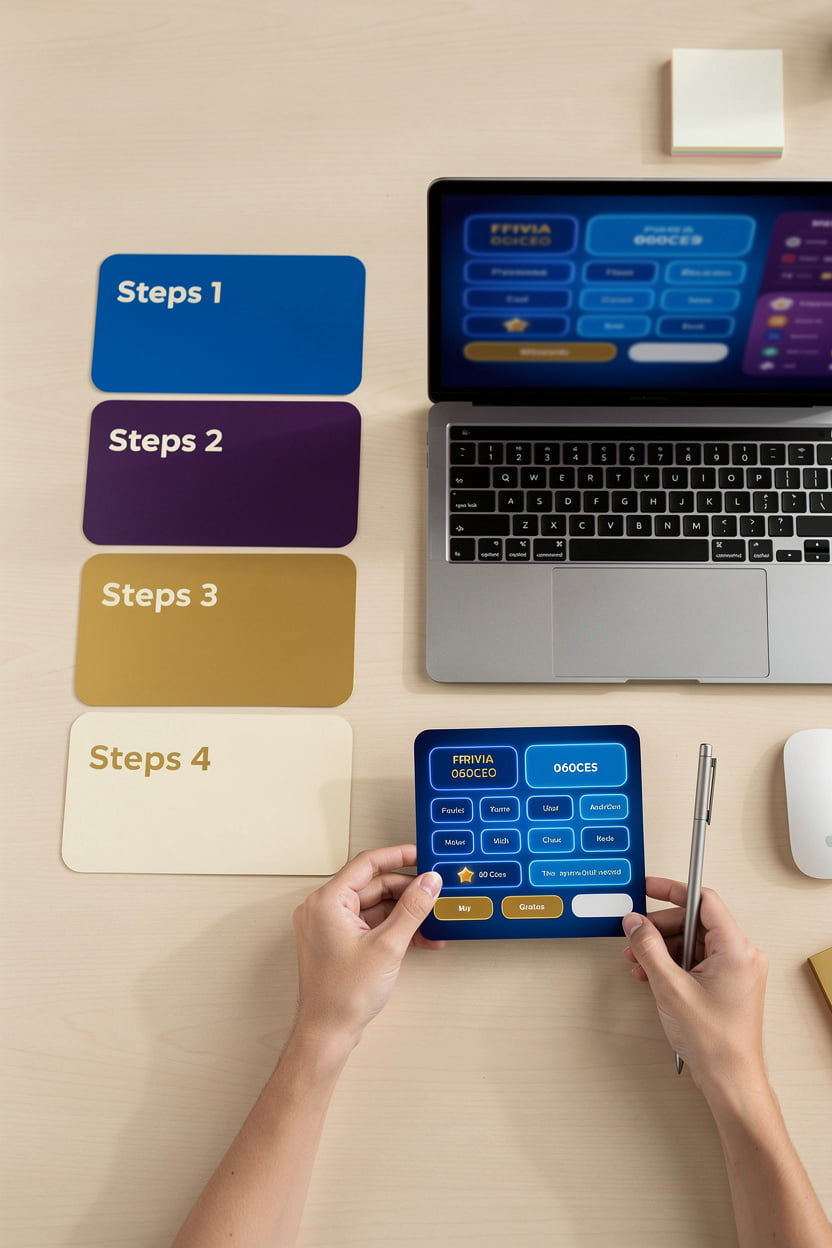
Make a Board, Step by Step
Building your own Jeopardy! board takes just a few minutes. Follow these five steps and you will have a full game ready for your family, friends, or classroom, all free and with no sign-in needed.
-
1
Start with Make a Board
Press Make a Board from the main menu. A fresh board opens right away, so there is nothing to set up first.
-
2
Name your categories and write questions
Give each column a category name, then fill each block with a question, a hint, and an answer. Mix easy and hard questions across the 100, 200, and 300 rows.
-
3
Add rows and columns with the plus button
Every board starts with 5 rows and columns. Click the + sign to add more when you want a bigger game.
-
4
Drag Daily Doubles onto your favorite spots
Drag a Daily Double block onto any spot you choose. Your teams will have to wager on the big moment, so pick the question you think is worth the risk.
-
5
Press the purple Finish button
When your board is ready, press the purple Finish button above the + button. Your game is set, and you can start playing. If you want a classroom review game with custom categories, this is how you build it for free.
Controls at Your Fingertips
Before game night, here is what every button on the board does. Once you know these, you can run the whole game without stopping to figure things out.
- Block: click it to show the question.
- Hint: reveals the hint.
- Answer: reveals the answer.
- Check: adds that block's points to a team.
- X: takes that block's points away from a team.
- Reset: clears everything so you can start over.
How Scoring Works
Every row on a Jeopardy! board starts at 100, goes up to 200, and tops out at 300. That's the order I built it in, and it's the order you'll see on screen, so the easy questions sit at the top and the hard ones sit at the bottom. It isn't the 200, 400, 600 style you may be used to from the TV show, and I wanted the numbers to be simple enough that nobody has to do the math twice during game night.
Daily Doubles are where things get exciting. Drag a Daily Double block onto any spot and that block's points double when it's played. Scoring is just as direct: press the check to give a team that block's points, or the X to take them away. Whatever the amount on the block is, that's exactly what the check adds or the X removes, so hosts can trust the totals and teams can see the rules at a glance.
Daily Doubles double the points on the block they sit on, and the check and X keep every team's score honest.
Want to see the full picture of how a board runs from start to finish? Read the features page for everything the game can do, or check the FAQ for quick answers about scoring and resets.